 Untitled scoreAI ComposeShare
How orchestration works
Melody in — full score out. Three steps.
Bring the music
Whatever you have: a recording, a PDF of the sheet music, or a MusicXML or MIDI file from another notation app or your DAW.
Choose style and ensemble
Select the orchestration type — string quartet, full orchestra, jazz ensemble, brass band — and the harmonic style.
Get the full score
Every instrument part is written out, balanced, and ready to export as PDF, MusicXML, or per-part MIDI.
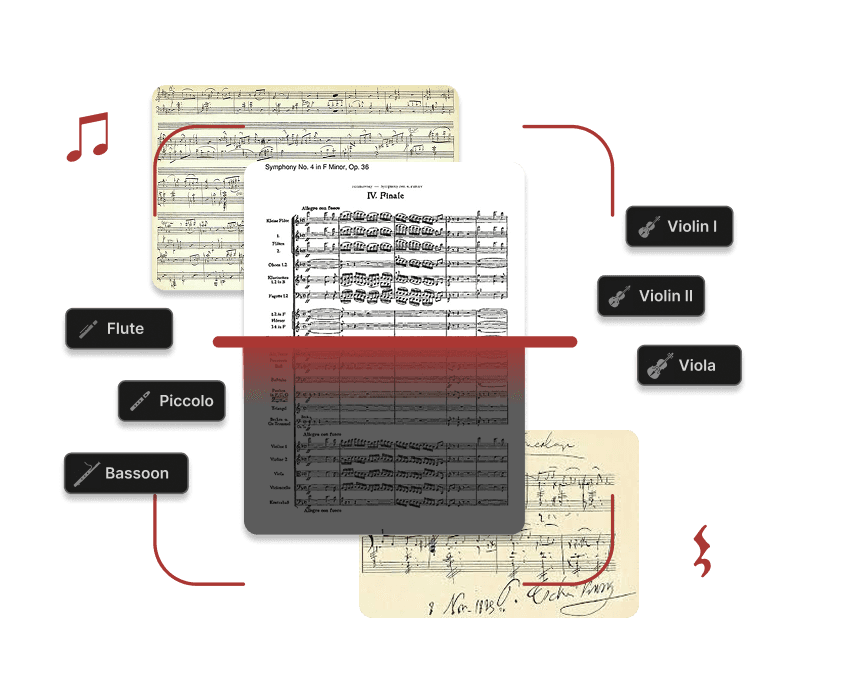
Supported instruments
From solo piano to full symphony orchestra. Mix and match any combination.
What the AI does for you
Who uses it
Film composers
Sketch a theme on piano and get a full orchestral mockup to present to directors.
Music students
Submit orchestration assignments or explore how classic pieces might be re-scored.
Song writers
Transform a pop melody into a string quartet or chamber version for licensing.
Game developers
Generate adaptive orchestral layers from simple MIDI loops in your audio pipeline.
Orchestrate your first melody
Free to start. No credit card required.
Explore more — Audio to Sheet Music·MIDI to Sheet Music